Companies
Companies in Booked55 represent the organizations your contacts belong to. By linking contacts to company records, you can see all the people you know at an organization, track company-level details, and identify key accounts.
Watch the walkthrough
Companies list
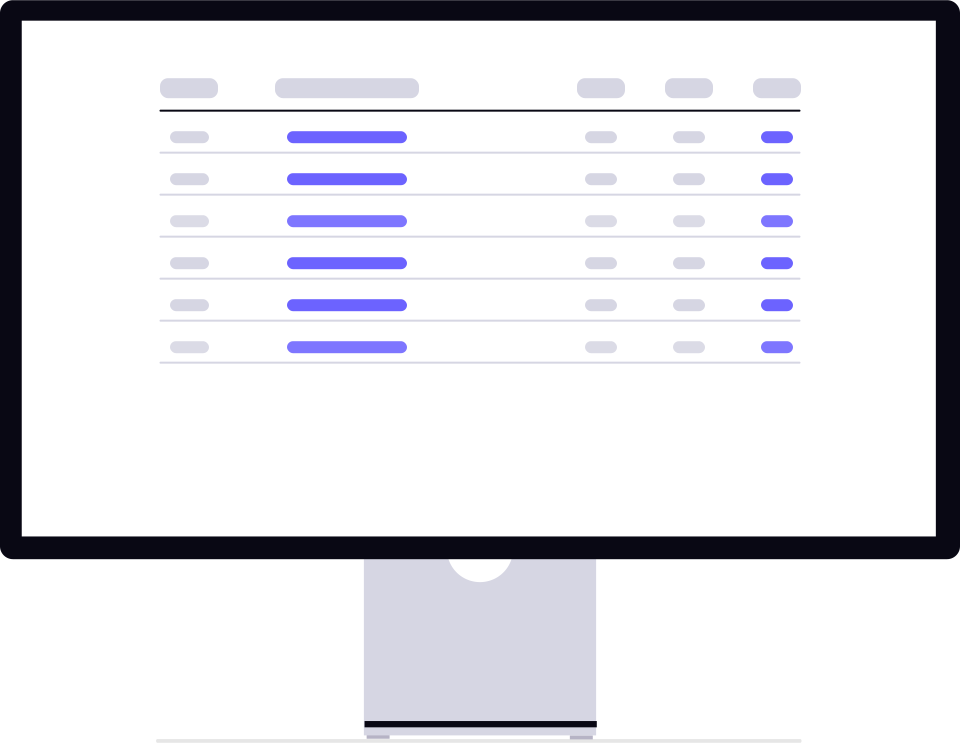
The Companies page shows a paginated table with the following columns:
| Column | Description |
|---|---|
| Owner | The team member who created the company record. |
| Company name | The organization's name (links to company detail). |
| Website & LinkedIn | Links to the company's website and LinkedIn page. |
| Contacts | Number of contacts linked to this company. |
| Employee range | Min-max estimated employee count. |
| Created | When the record was created. |
| Actions | A single trash icon, titled “Delete company”. Editing happens on the company detail page. |
Creating a company
Click “Add New Company” to open the creation modal. Fill in:
- Company name (required)
- Email — A general company email address.
- Phone — Main phone number.
- Website — Company website URL.
- Location — City, state, and country.
- Employee range — Estimated minimum and maximum employees.
Search and sort
Search by company name (minimum two characters). Sort by created date, updated date, or name. Choose page sizes of 10, 25, 50, or 100 records. See Search & Filter for details.
In this section
- Company Detail — Edit info, assign tasks, view linked contacts.
- Linking Contacts — Associate contacts with companies.
- Search & Filter — Find companies efficiently.
Ready to get started?
Create your free Booked55 account and start managing your sales pipeline in minutes.